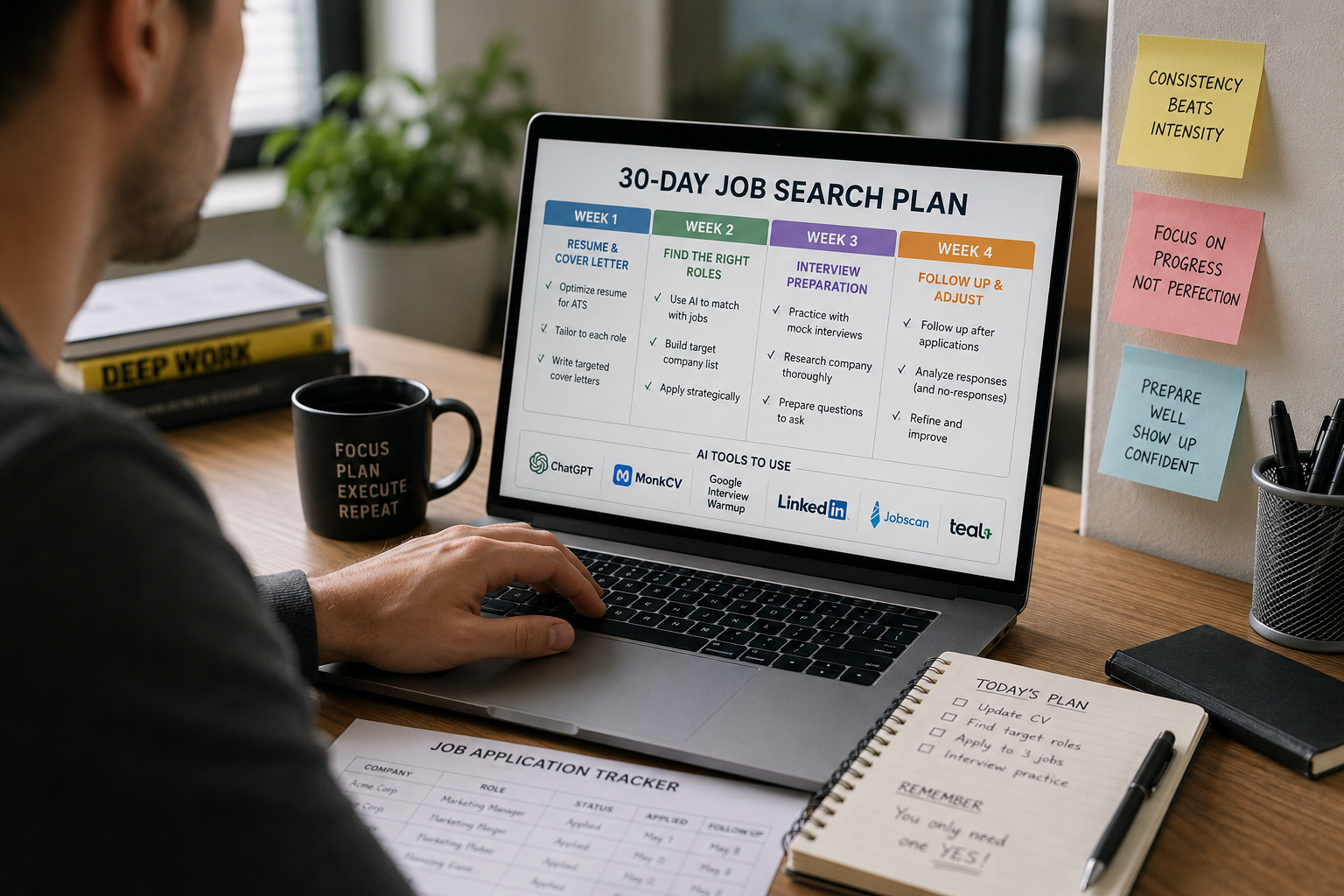
If you have been applying for jobs and not hearing back, you are probably not doing anything wrong. You are just using the same approach in a job market that has moved on.
Recruiters screen hundreds of applications a day. Most CVs are filtered by ATS software before a human ever reads them. And the job seekers who are actually landing interviews are not necessarily more qualified — they are just using their time better.
That is where AI comes in. The best AI tools for job seekers can optimise your resume against a specific job description, draft a tailored cover letter in minutes, run you through mock interview questions, and help you follow up in a way that does not get ignored. Used properly, they take the guesswork out of a process that has always had too much of it.
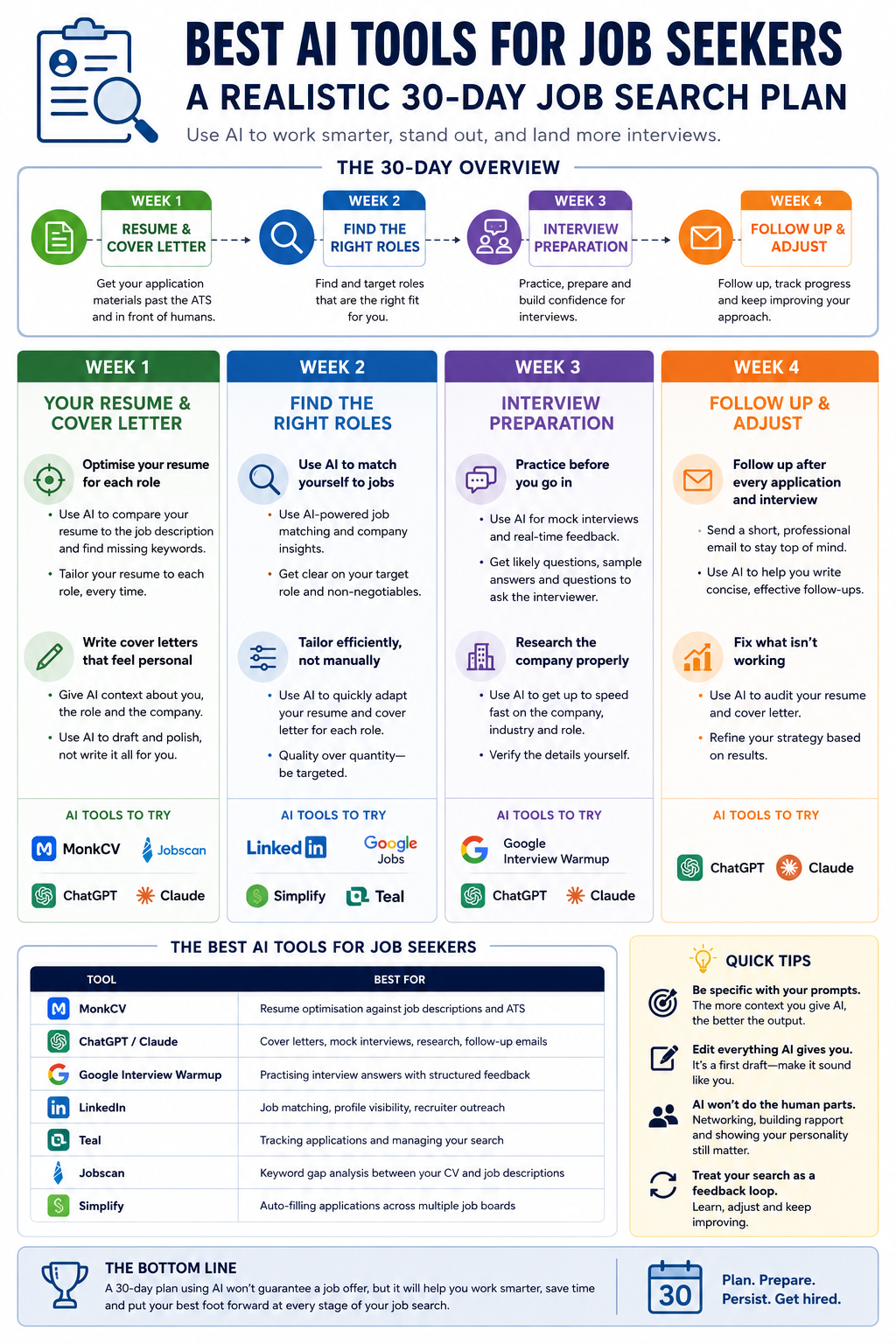
01
Week 1
Resume and Cover Letter
02
Week 2
Finding the Right Roles
03
Week 3
Interview Preparation
04
Week 4
Follow Up and Refine
Week 1: Optimise Your Resume and Cover Letter
Nothing else matters until these are right. Most resumes fail before a human reads them — ATS software scans for keywords from the job description, and if yours are not there, you are filtered out before anyone sees your name.
Use AI to optimise your resume for each role
Take your current CV and run it through an AI resume tool like MonkCV, Jobscan or Teal. These compare your resume against a specific job description and show you exactly which keywords and phrases are missing. It takes five minutes and the feedback is usually eye-opening.
When you are rewriting bullet points, use ChatGPT, Claude, Gemini or any AI assistant to sharpen individual lines. Give it your original text, the job description, and ask it to rewrite with the relevant keywords included. Do not do this once globally — tailor your resume to each role, every time. That single habit makes more difference than any other change you can make to your job search strategy.
Write cover letters that do not sound like everyone else's
The problem with AI cover letter tools is not the AI — it is how most people use them. Paste in a job description and ask for a cover letter and you will get something generic that reads exactly like every other application in the pile.
The fix is to give it more context. Tell ChatGPT, Claude, or whichever AI assistant you use why you actually want this specific role, what in your background directly relates to the job description, and what tone fits the company culture. Use AI to draft and polish your cover letter — not to write it from scratch without your input. It should still sound like you, just sharper and more focused.
Week 2: Build a Smarter Job Search Strategy
Sending applications to every job board you can find is how you burn out after a month without results. Week two is about being deliberate with your search strategy.
Use AI tools to find and match to the right job listings
LinkedIn's AI features now suggest roles based on your profile and flag where you are a strong match. Google's job search aggregates listings from across the web. Tools like Simplify can track job openings and auto-fill applications so the admin side of the job hunt takes less of your day.
More importantly: get clear on your target role before you start applying. Define the exact job title you are going for, the type of company, and your non-negotiables. Vague searches return vague results, and unfocused applications rarely land.
Tailor every application — efficiently
One targeted application beats five generic ones every time. But tailoring everything from scratch is exhausting. AI makes it manageable. Keep a master version of your CV with more detail than you would ever include. For each role, use MonkCV or ChatGPT, Claude, or any AI assistant to pull the most relevant sections and adjust them to match the job description. What takes 45 minutes manually takes about 10 minutes with AI. The same principle applies to your cover letter — build a strong base, then let AI handle the company-specific adjustments.
Week 3: Prepare for Interviews With AI
Getting an interview and not preparing properly for it is one of the more avoidable mistakes in job hunting. Week three is about fixing that.
Run mock interviews before the real one
Most people prepare for interviews by skimming their own CV the night before. That is not preparation — it is just a reminder. Google's Interview Warmup is free and genuinely useful: it gives you real interview questions, listens to your answers, and gives you detailed feedback on what you covered well and what you missed.
ChatGPT, Claude, Gemini or any AI assistant can run a full mock interview session if you paste in the job description and ask it to act as the interviewer. The goal is not to script your answers — it is to have thought through the difficult questions before you are sitting in the room. Especially the behavioural ones that catch people off guard because they have never rehearsed them.
Ask AI to give you: the five most likely interview questions for this specific role, detailed feedback on a practice answer you give it, areas for improvement in how you frame your experience, and strong questions to ask the hiring manager at the end. That last one matters more than most people realise.
Research the company properly
Arriving without knowing what the company actually does is an easy way to end an interview early. Use ChatGPT, Claude or any AI assistant to get up to speed quickly — ask it to summarise what the company does, who their customers are, and how the role fits into the business. Then verify the details yourself. AI is good for getting oriented fast; it is not always reliable on specifics, so always cross-check with the company's own website and recent news.
Week 4: Follow Up and Refine Your Approach
Most job seekers follow up once, hear nothing, and move on. A little more persistence — done professionally — goes a long way.
Follow up after every application and interview
A short, professional email to the recruiter or hiring manager keeps you on their radar and shows genuine interest. Use AI to draft it, keep it under five sentences, and make it specific to the role or the conversation you had rather than a generic template.
Use AI to diagnose what is not working
If you have been applying for two weeks and getting no responses, treat it as a signal rather than bad luck. Paste your resume and a job description into ChatGPT, Claude or any AI assistant and ask what is missing. Ask it to review your cover letter honestly and identify areas for improvement. Check whether you are targeting the right job title for your level of experience. The job search process rewards people who treat it like a feedback loop — and AI helps you process that feedback faster than you could alone.
Share this — the more people know, the better prepared they can be.
The Best AI Tools for Job Seekers Right Now
Here is a quick summary of what to use at each stage of your job search. Most have a free plan that covers the essentials — pick two or three and use them consistently rather than signing up for everything and using nothing properly.
MonkCV
Resume optimisation against job descriptions and ATS
ChatGPT, Claude, Gemini (or any AI assistant)
Cover letters, mock interviews, research, follow-up emails
Google Interview Warmup
Practising interview answers with structured feedback
Job matching, profile visibility, recruiter outreach
Teal
Tracking applications and managing your search
Jobscan
Keyword gap analysis between your CV and job descriptions
Simplify
Auto-filling applications across multiple job boards
Job search tips: getting the most from AI
Be specific with your prompts.
"Write me a cover letter" produces something generic. "Write a cover letter for a Senior Marketing Manager role at a B2B SaaS company, focusing on my demand generation background" produces something usable. The more context you give, the better the output.
Edit everything AI gives you.
Treat it as a first draft, not a final one. Read it, cut what sounds off, and make sure it sounds like you. Experienced recruiters notice when something has been generated and left untouched.
AI will not do the human parts for you.
Networking, building rapport in an interview, making a genuine impression — those are still yours. AI helps you show up to those moments better prepared.
Use it to stay consistent.
The hardest part of a long job hunt is keeping the quality up when you are on application 40. AI keeps the standard high when your energy does not.
The bottom line
The job market is competitive and the hiring process has more filters in it than it used to. A 30-day plan using AI tools will not guarantee you a job offer. What it will do is make sure you are not losing out on roles you are genuinely qualified for because of an unoptimised resume, a generic cover letter, or walking into an interview underprepared. That is where most people lose ground — and with the right AI tools, it is entirely fixable.
Start with your CV
MonkCV optimises your resume against the job description and helps it get past ATS — free, no sign-up required.
Optimise my CV — free →Sources & Further Reading
Paresh Patel
LinkedIn →Founder, MonkCV — free career tools for job seekers
Every article is researched and written using primary sources — WEF reports, ONS data, Goldman Sachs research and real hiring data. MonkCV is free because good career advice shouldn't cost £200/month. How MonkCV works →
Read next

The Jobs AI Will Overtake — And the Ones It Won't
Goldman Sachs says 300 million jobs are at risk. Here's which roles are genuinely going.
8 min read
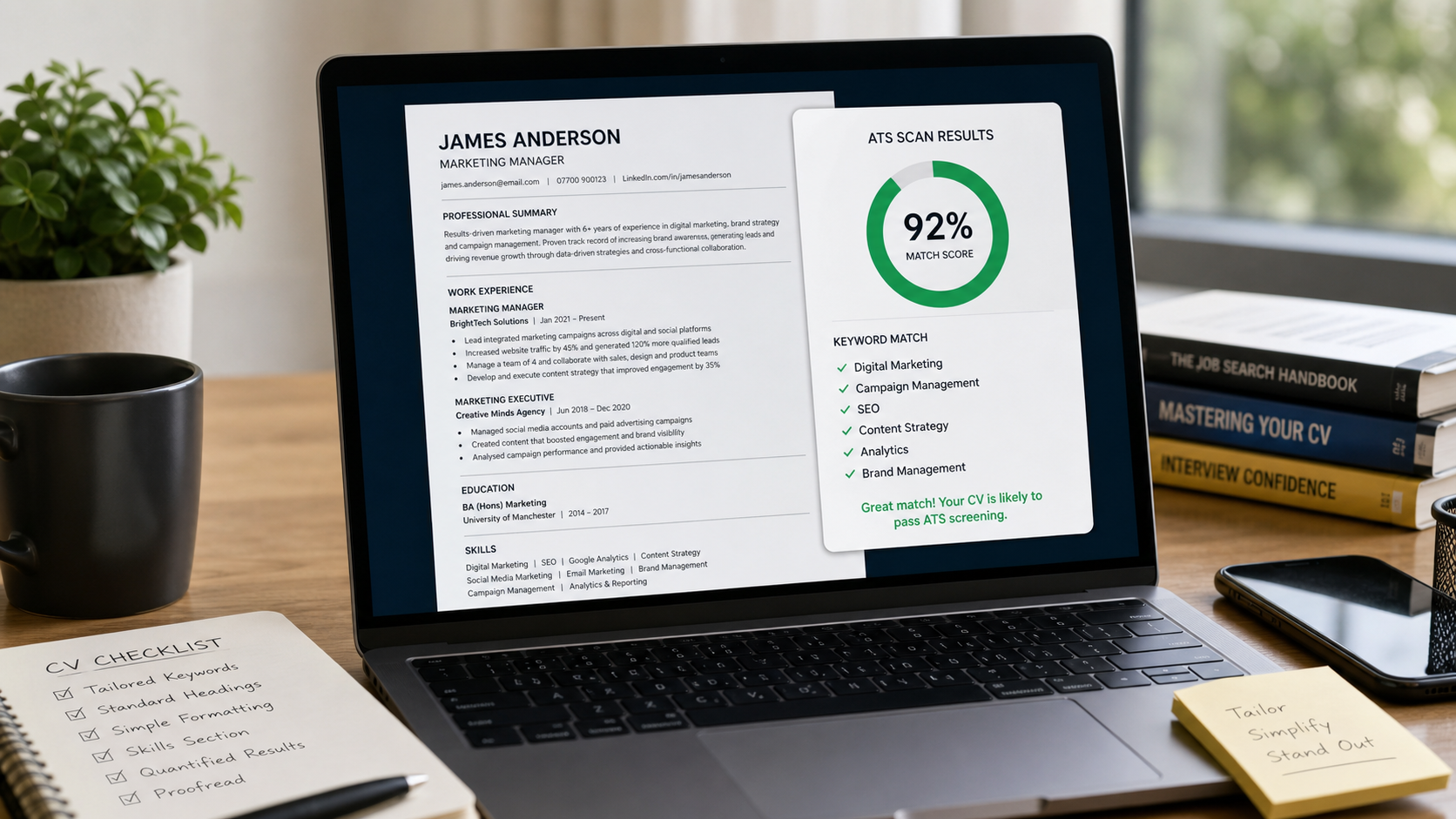
What ATS Actually Looks For — And How to Beat It
Three in four CVs are rejected by a machine before any human reads them. Here's how to fix yours.
6 min read
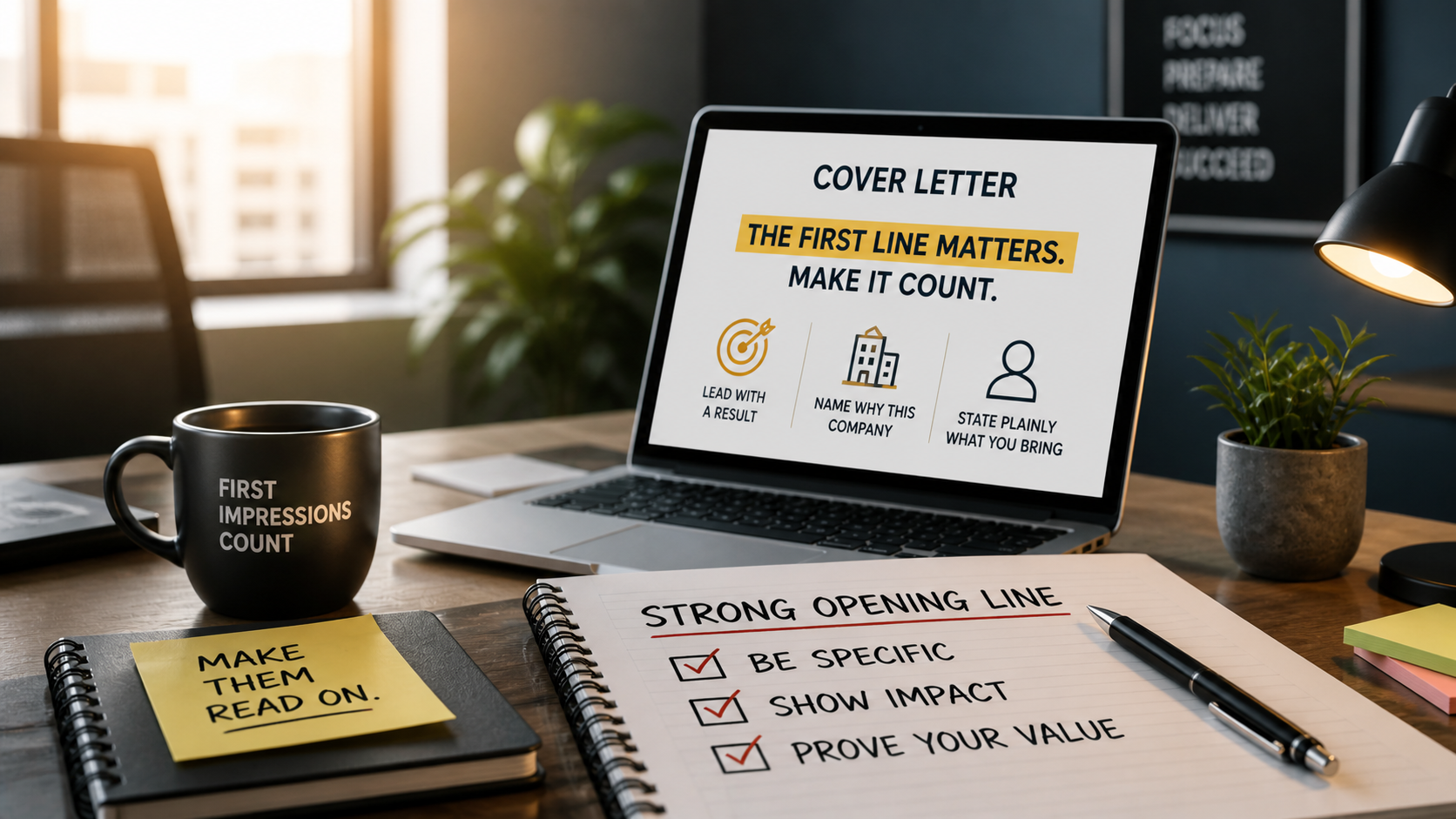
The Cover Letter Opening Line That Gets Recruiters to Read On
A recruiter spends 7 seconds on a cover letter. Most people waste 6 of them.
5 min read